
C4 – Connect Four
Drop red and blue discs, plan ahead, and connect four before your opponent in this English browser strategy game.
How to Play
- Choose Offline: Human player vs AI player for a solo game, or select the local two-player mode.
- Enter player names if you want them shown, then press Start game.
- Click or tap one of the seven board columns to drop a disc. Keyboard players can use number keys 1 through 7 after the turn message appears.
- Build a horizontal, vertical, or diagonal line of four discs before the other player does.
About C4 – Connect Four
C4 is Kenrick's open-source Connect Four implementation, built with TypeScript and an HTML canvas. This hosted build keeps the verified offline modes: play against the computer, share the same device with another player, or watch two AI players compete.
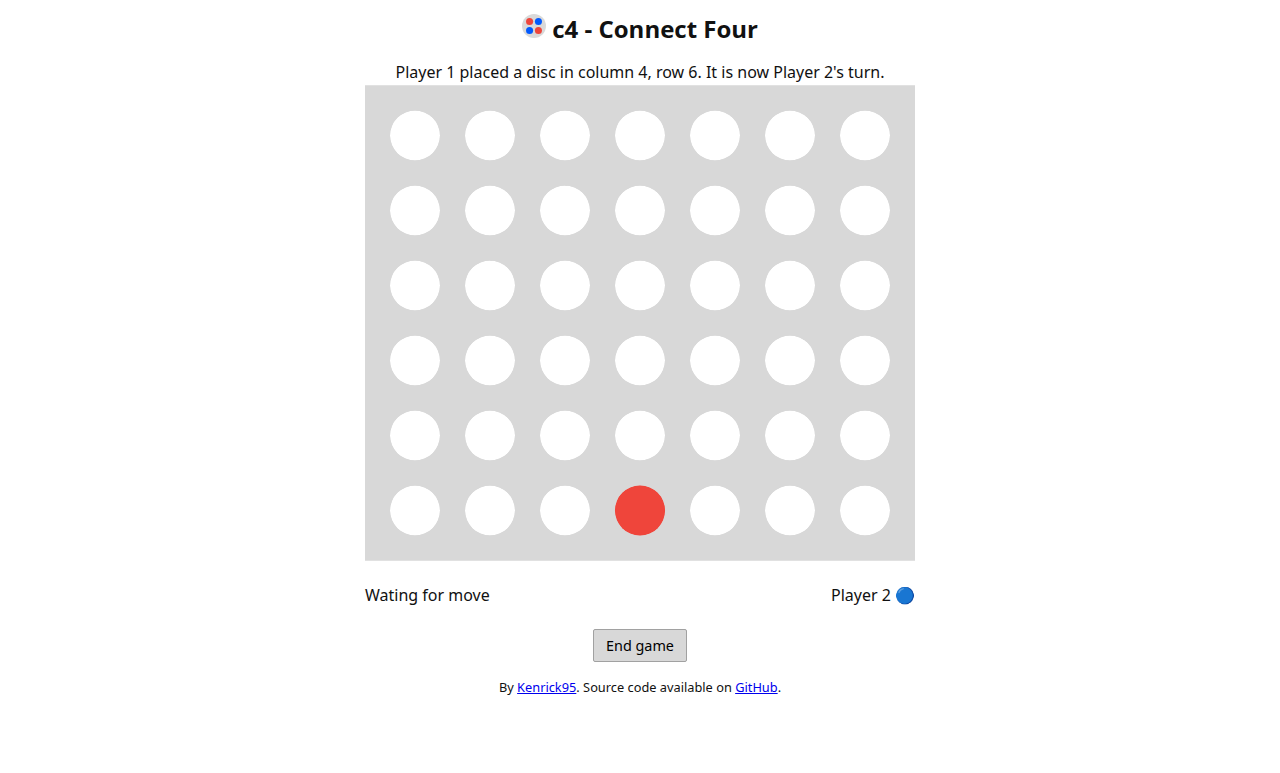
The board is intentionally simple and readable. Each turn consists of choosing one column; the disc falls to the lowest empty space, so winning depends on creating threats while blocking the opponent's next connection.
Controls
- Mouse or touch: click or tap a board column to drop a disc.
- Keyboard: press 1 through 7 for the matching column after the turn message appears.
- End game: return to the mode and player-name setup dialog.
- Play again: restart after a completed game.
Goal
Be the first player to connect four discs horizontally, vertically, or diagonally. A completely filled board without a four-disc line is a draw.
Desktop and mobile compatibility
- Desktop
- Tested in Google Chrome 155 at a 1280-pixel desktop viewport. The English setup dialog, local two-player mode, board clicks, turn announcements, and responsive canvas all worked.
- Mobile
- Tested at a 390 x 844 mobile viewport. The board stayed inside the screen and accepted tap-style input. Portrait mode works; a wider landscape view gives the status text more room.
Black screen, sound, or loading problems
- If the game area is blank, reload once and confirm that JavaScript is allowed for billybobgames.org.
- Wait until the turn announcement appears before using number keys. If keyboard input is missed, click the desired column instead.
- The game has no music or sound effects, so silent play is expected.
- Online multiplayer is not offered in this hosted build because it requires the upstream WebSocket server. Use the verified AI or same-device modes.
Gameplay screenshots
Developer, source, and test status
- Developer
- Kenrick
- Last tested
- 2026-10-16
Billy Bob Games hosts a locally tested browser build, preserves the MIT notice, and does not claim to be the game's developer.